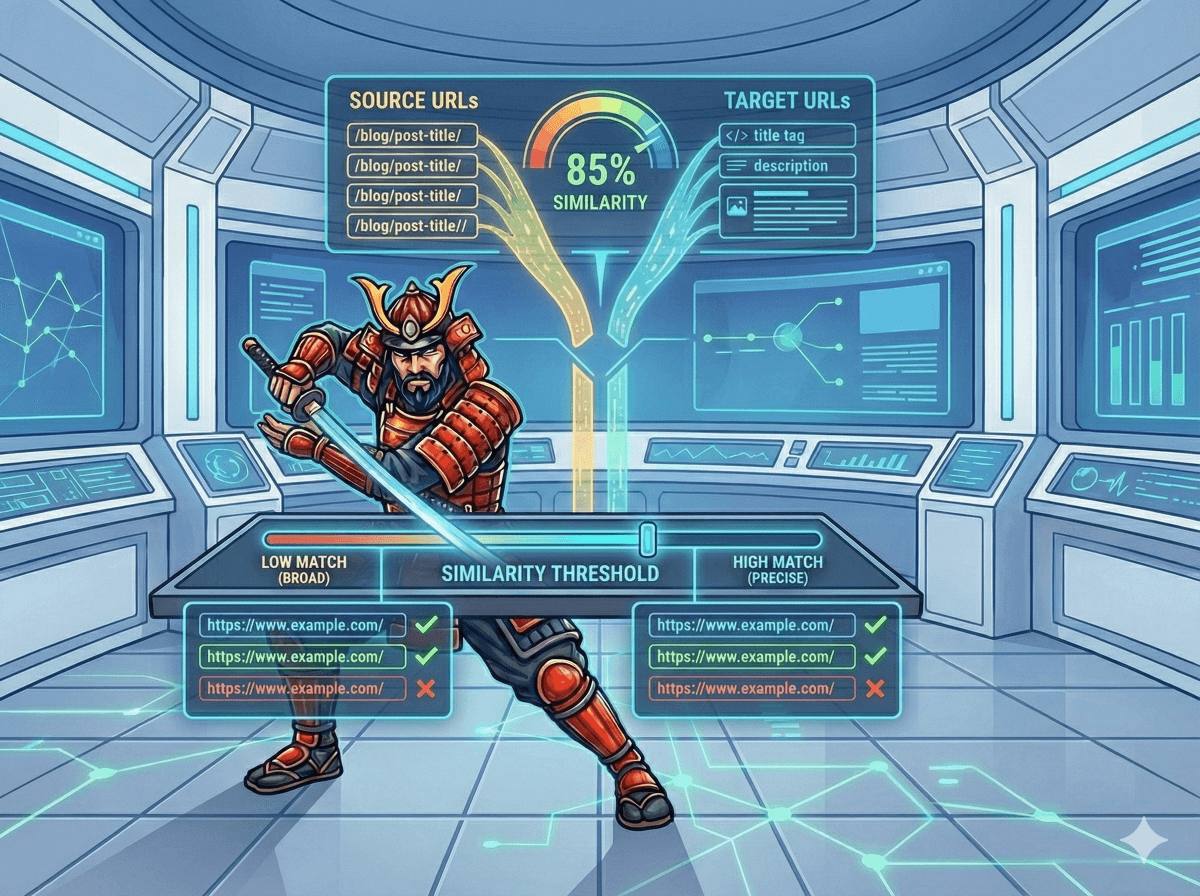
Advanced Settings: Semantic Match Similarity Thresholds
Redirect mapping uses three confidence zones:
1: High Confidence Match Threshold
This is the minimum cosine similarity required to treat a redirect suggestion as a Confident Match.
- ≥ 0.90 means the old and new URLs are extremely close in meaning.
- These can be auto-mapped safely in most migrations.
- Higher threshold = fewer but more accurate auto-matches.
- Lower threshold = more auto-matches but higher review risk.
Recommended Default: 0.90
2: Low Semantic Match Review Zone
Matches that fall between the Low Threshold and the High Threshold are classified as Low Semantic Matches.
- Often correct but not reliable enough to auto-map.
- Useful for surfacing candidates that need human validation.
Typical Range:
0.80–0.89 → Review recommended
Frequently seen for pages that share product families or topic themes.
Recommended Default: 0.80
3: No Reliable Match Threshold
If the highest similarity score for a URL falls below this threshold, the system labels it as No Match.
Indicates no meaningful semantic alignment was found.
These should be manually assessed or intentionally left unmapped. (to 404 or. optionally 410)
Typical Behavior:
< 0.80 → Move to manual review.
Recommended Default: 0.80
What Does the Similarity Score Mean?
This score comes from cosine similarity between multi-view embeddings (Path + Meta).
- 1.0 = identical meaning
- 0.0 = completely unrelated
The closer to 1, the stronger the match.
Higher scores come from shared slugs, strong title/H1 overlap, similar product attributes, or consistent category structures.
How to Tune Your Similarity Thresholds
Run the tool on a sample of URLs where the correct mappings are known (e.g., your test migration set). Compare different threshold combinations and measure accuracy:
1: Start with defaults:
- High Match: 0.90
- Low Match: 0.80
2: If too many URLs fall into Review Zone:
- Lower high threshold to 0.88
- Or raise low threshold to tighten the review window
3: If auto-matches contain errors:
- Increase high threshold to 0.92–0.95
- Keep low threshold unchanged
4: If almost nothing matches automatically:
- Reduce high threshold to 0.85–0.88
- Only do this when site structure or content is very inconsistent
Goal:
Balance precision (correct auto-matches) and coverage(percentage auto-mapped).